In case you have encountered a case of Contacts that are "stuck" in Leadspace's Cloud Action, here is a quick tutorial on how to resend these Contacts and apply the missing information.
1. Open the requested campaign/program in Eloqua and deactivate it using the "Deactivate" button in the upper right corner:
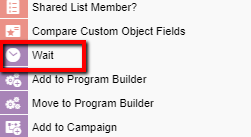
2. Add to the canvas the component "Wait" from the left bar:
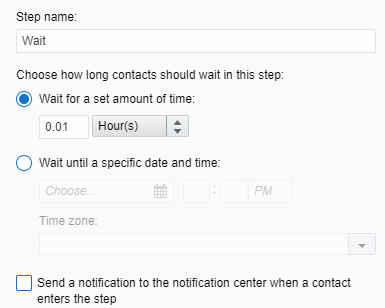
3. Set the step with the following configurations:
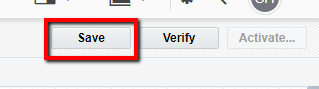
4. Save the changes by pressing the "Save" button on the upper right corner:
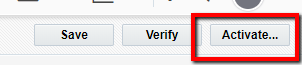
5. Press "Activate":
6.Set the campaign activation setup according to your choice and select "Activate":
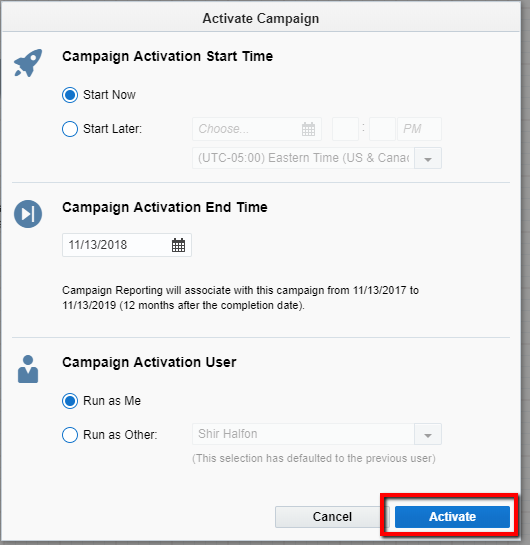
7. Choose "Activate":

8. Double click the number on top of the Leadspace Cloud Action:
9. Check the checkbox of "Select All Contacts":

10. Press "Move" at the lower left corner of the pop-up window:

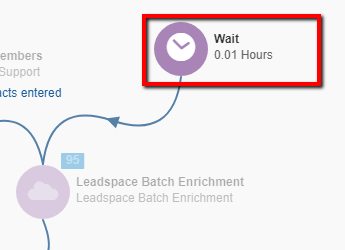
11. Choose the "Wait" component:
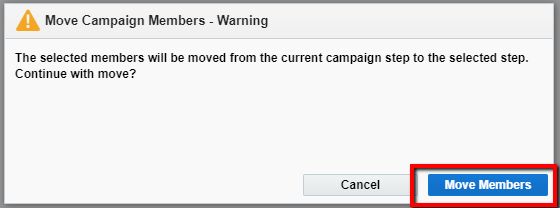
12. Press "Move Members" at the lower right corner of the pop-up window:

13. Select "Move Members":
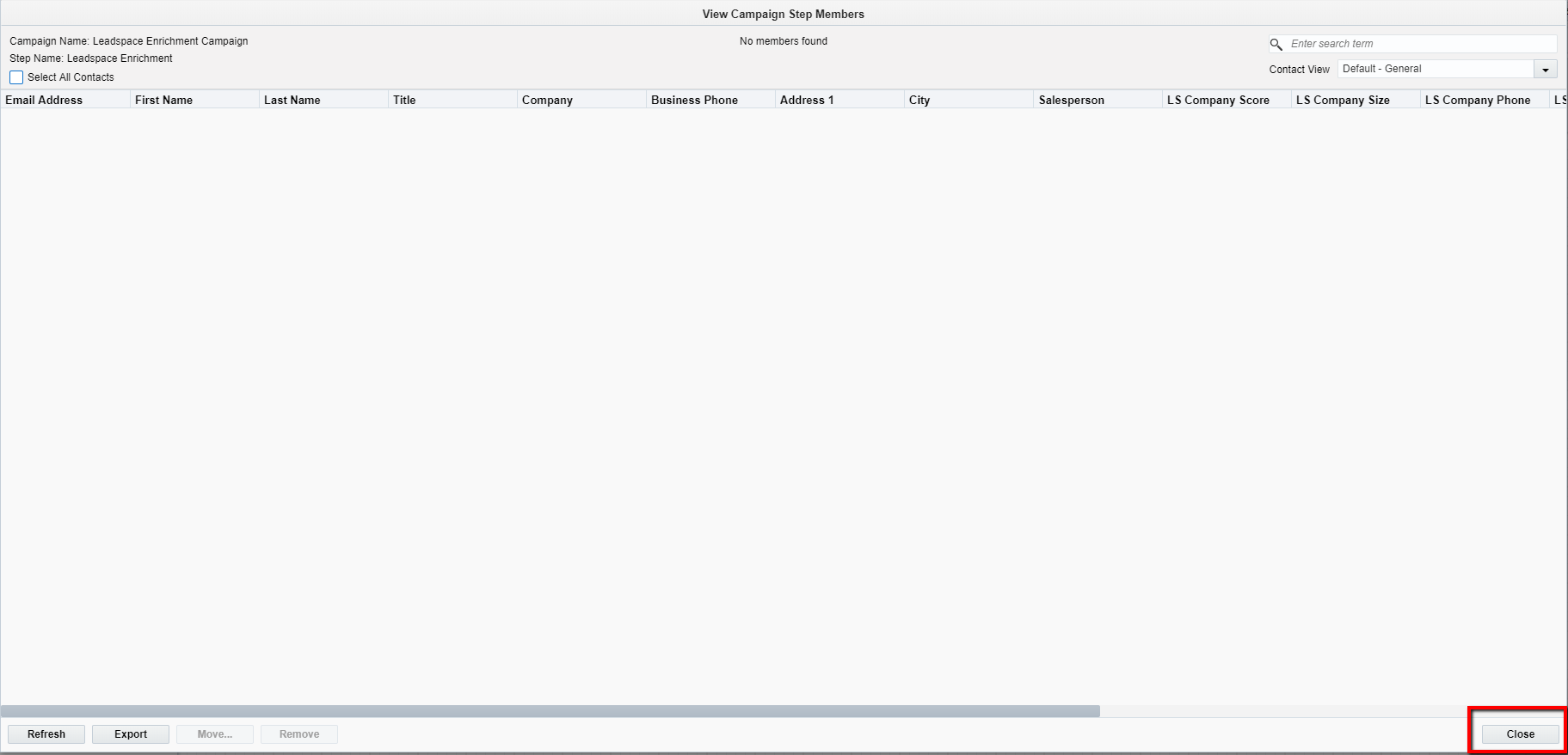
14. Press "Close":
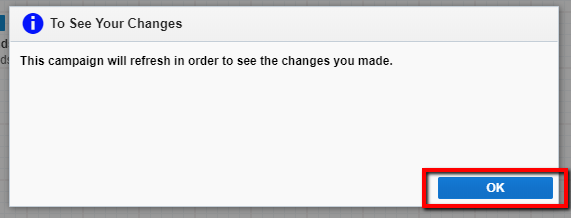
15. Press "OK" in the following pop-up window:
16. To see the progress of the contacts in the campaign/program, press "Refresh" at the upper right corner: